
Desktop app
The kata desktop app is the friendly face of sharing & packages: browse a curated registry of bundles (shareable agent-config packages), inspect exactly what each one contains, and install them into your projects with a full diff preview before anything touches disk. No Node, no CLI knowledge required - the app embeds the same @katahq/core engine the CLI uses, so both always behave identically.
Installing
All installers are also on the desktop-latest release.
Not code-signed
Kata is an open-source project without an Apple Developer account or a Windows code-signing certificate, so the builds are not notarized/signed. They are safe, but your OS shows a one-time warning you have to click through. Each platform's steps are below.
macOS
The app is ad-hoc signed so it runs on Apple Silicon, but Gatekeeper still flags it as unverified on first launch.
Homebrew (recommended) - avoids the warning entirely (the cask clears the quarantine attribute after install):
brew install --cask tvcsantos/kata/kataDMG - download Kata-<version>-arm64.dmg (Apple Silicon) or -x64.dmg (Intel), drag Kata to Applications, then the first time you open it: System Settings → Privacy & Security → Open Anyway. (Right-click → Open no longer works on recent macOS.) Or clear the quarantine flag from a terminal: xattr -cr /Applications/Kata.app.
Windows
Download Kata-<version>-setup.exe and run it. SmartScreen may show "Windows protected your PC" - click More info → Run anyway.
Linux
Download the .AppImage (portable - chmod +x and run) or the .deb (sudo apt install ./Kata-<version>-amd64.deb).
Staying up to date
The app checks for updates on launch and shows a banner when a newer version is available:
- Windows and Linux download the update in the background and offer a Restart to update button.
- macOS links to the download page (unsigned apps can't self-update); with the Homebrew cask,
brew upgrade --cask kataupdates it instead.
First run
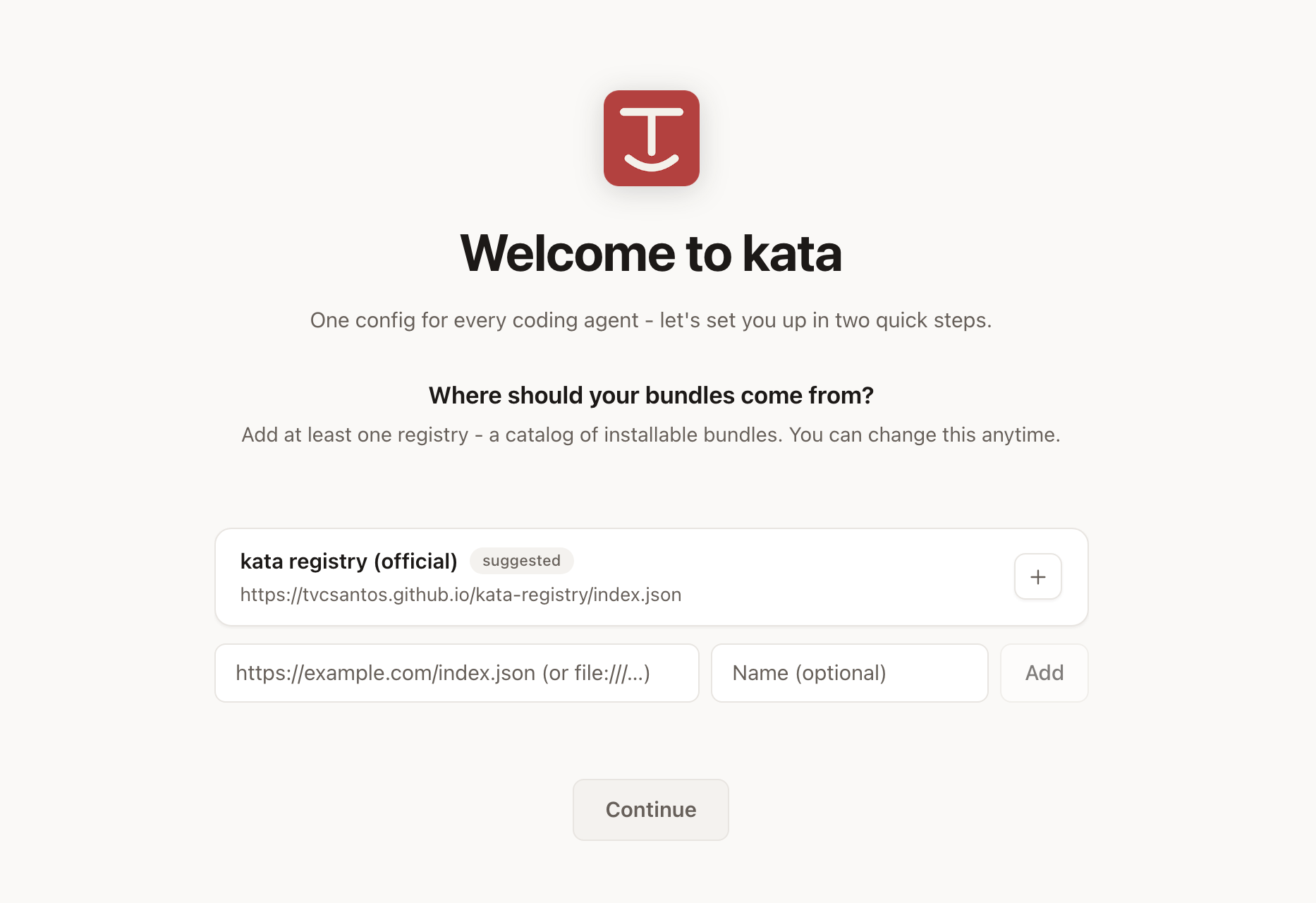
On first launch the app asks two questions, once.
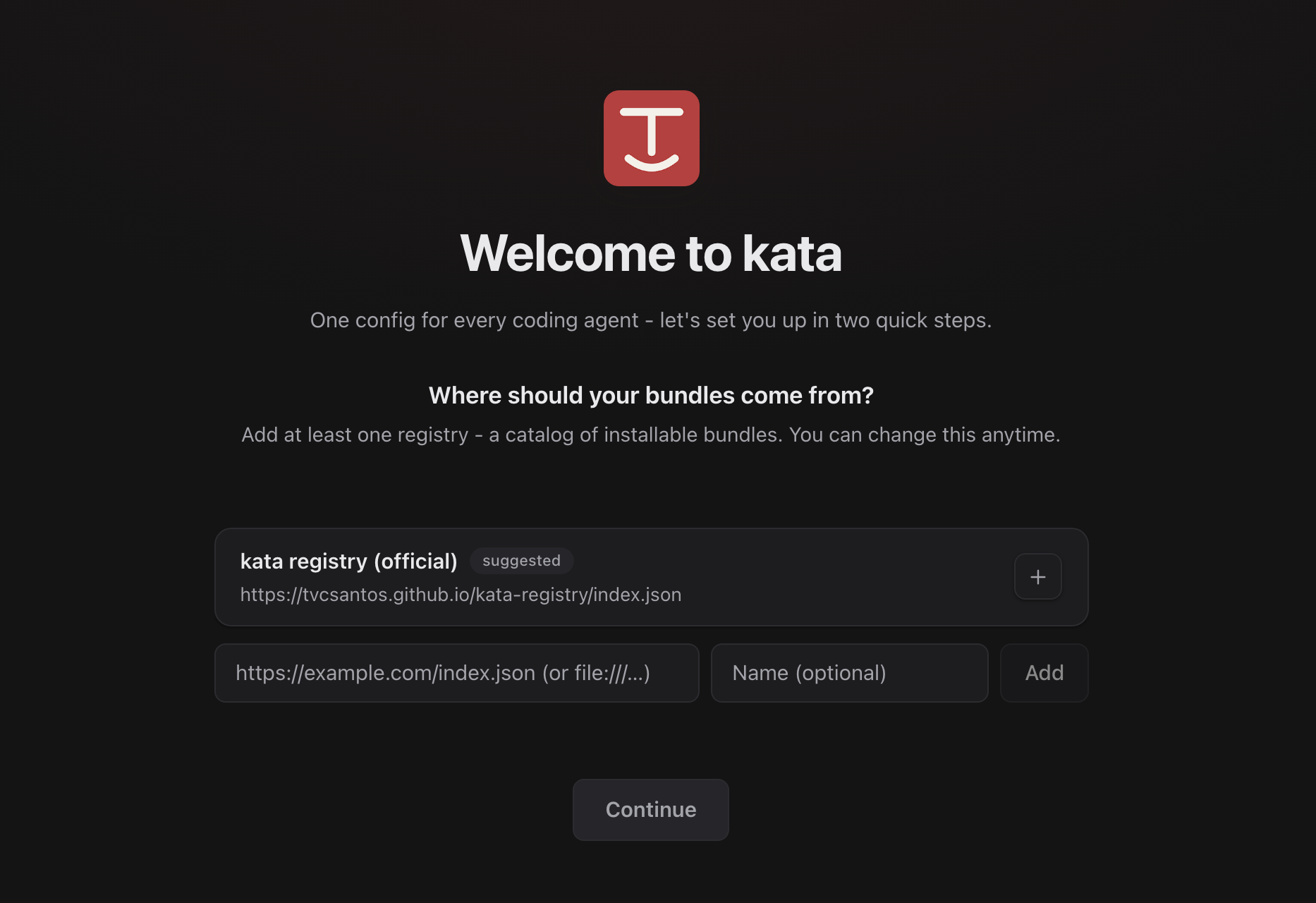
Where should your bundles come from? Bundles are served by registries - static catalogs published as a single index.json. The official kata registry is suggested with one click, but any registry URL works, including file:// paths for local development. At least one registry is required to continue.
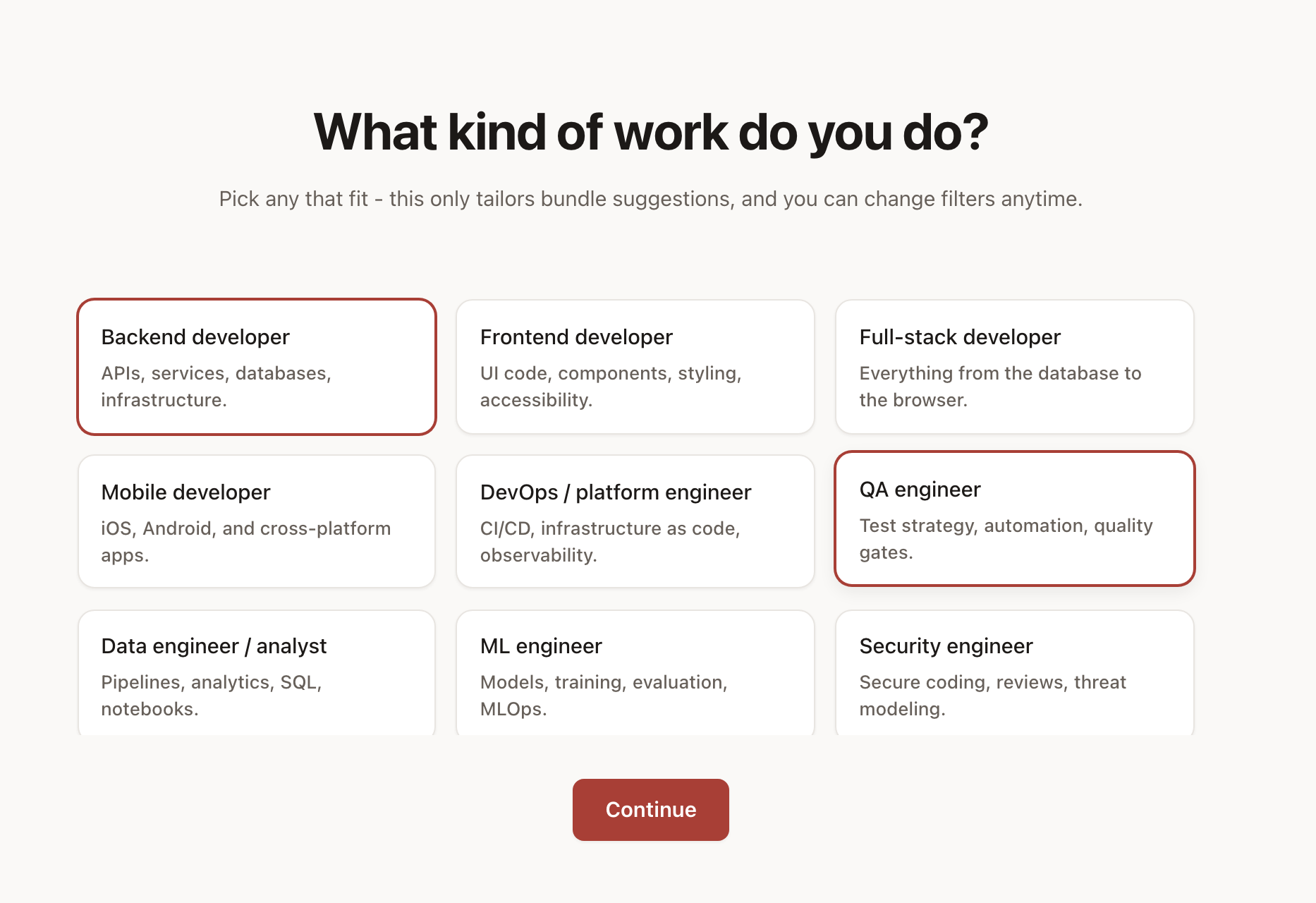
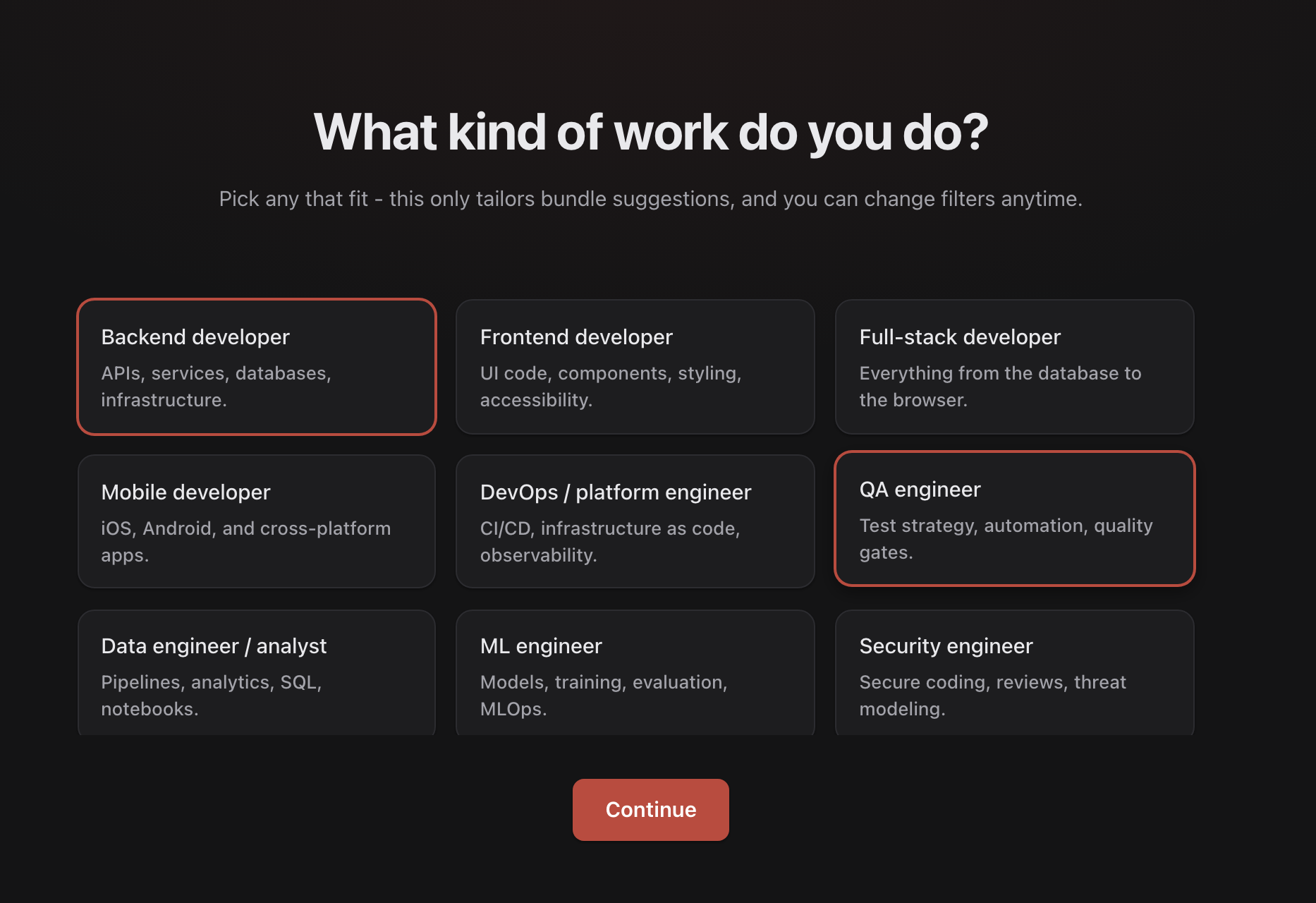
What kind of work do you do? Pick one or more personas - they tailor which bundles are suggested first, and you can change the answer anytime from the Bundles screen.
Browsing bundles
The home screen merges every configured registry into one searchable, filterable grid. Suggestions are ranked deterministically - curated picks for your personas first, then persona matches, then featured bundles - and each card states why it is suggested. The persona dropdown filters the grid; the verified toggle keeps only bundles reviewed by registry maintainers (the green check).
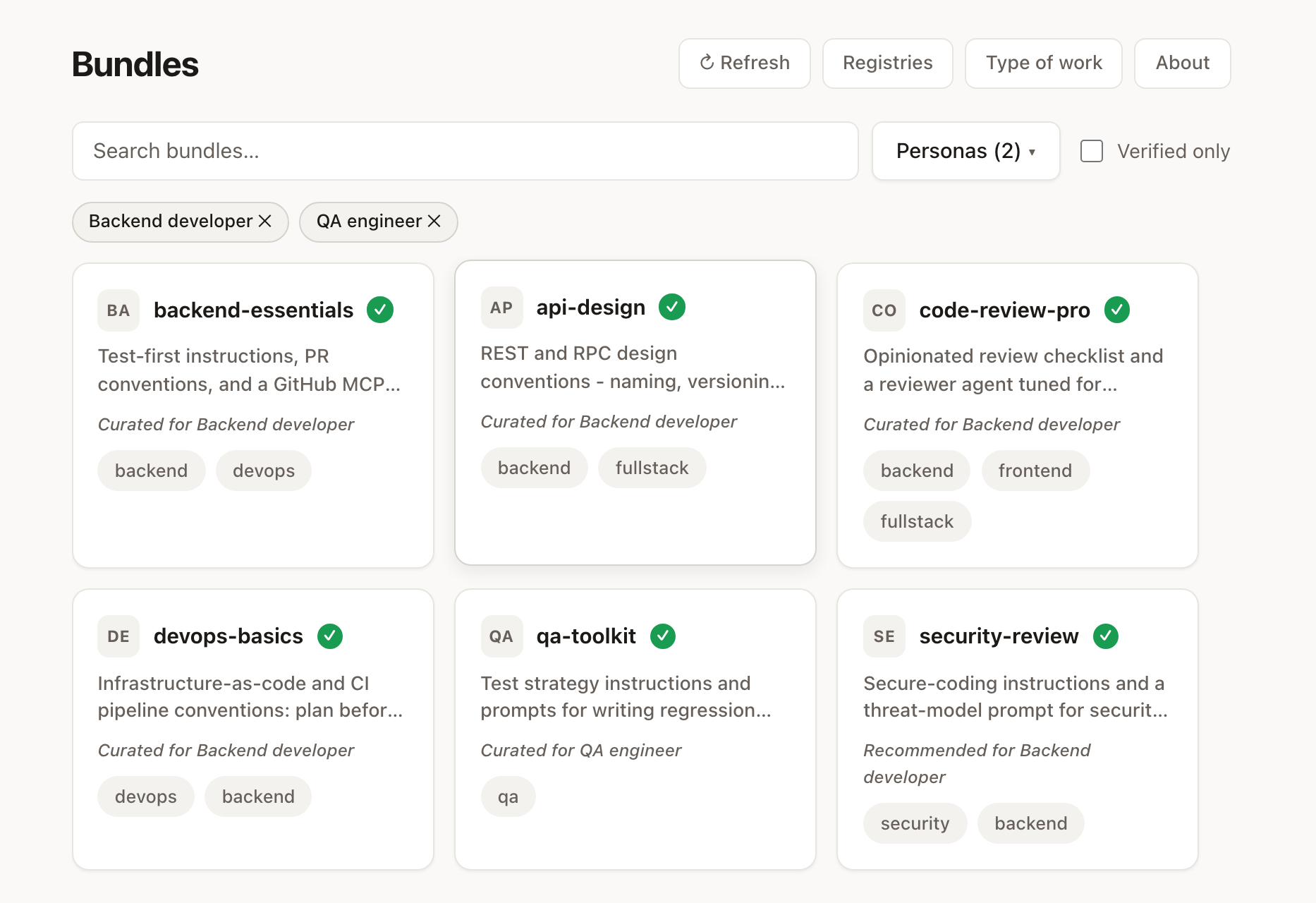
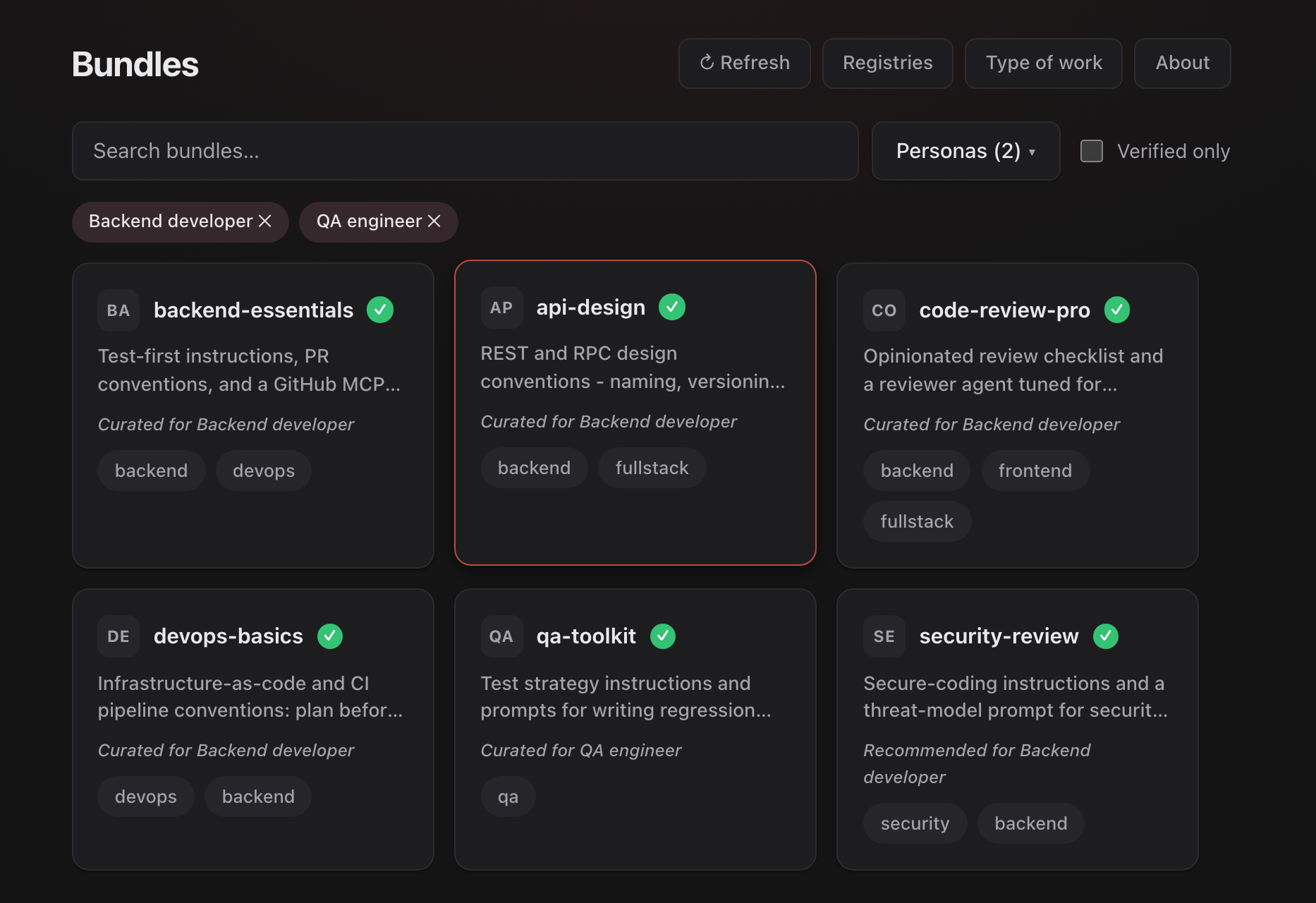
Everything works offline after the first fetch - each registry is cached locally, and a banner tells you when you are looking at a cached copy.
Bundle details
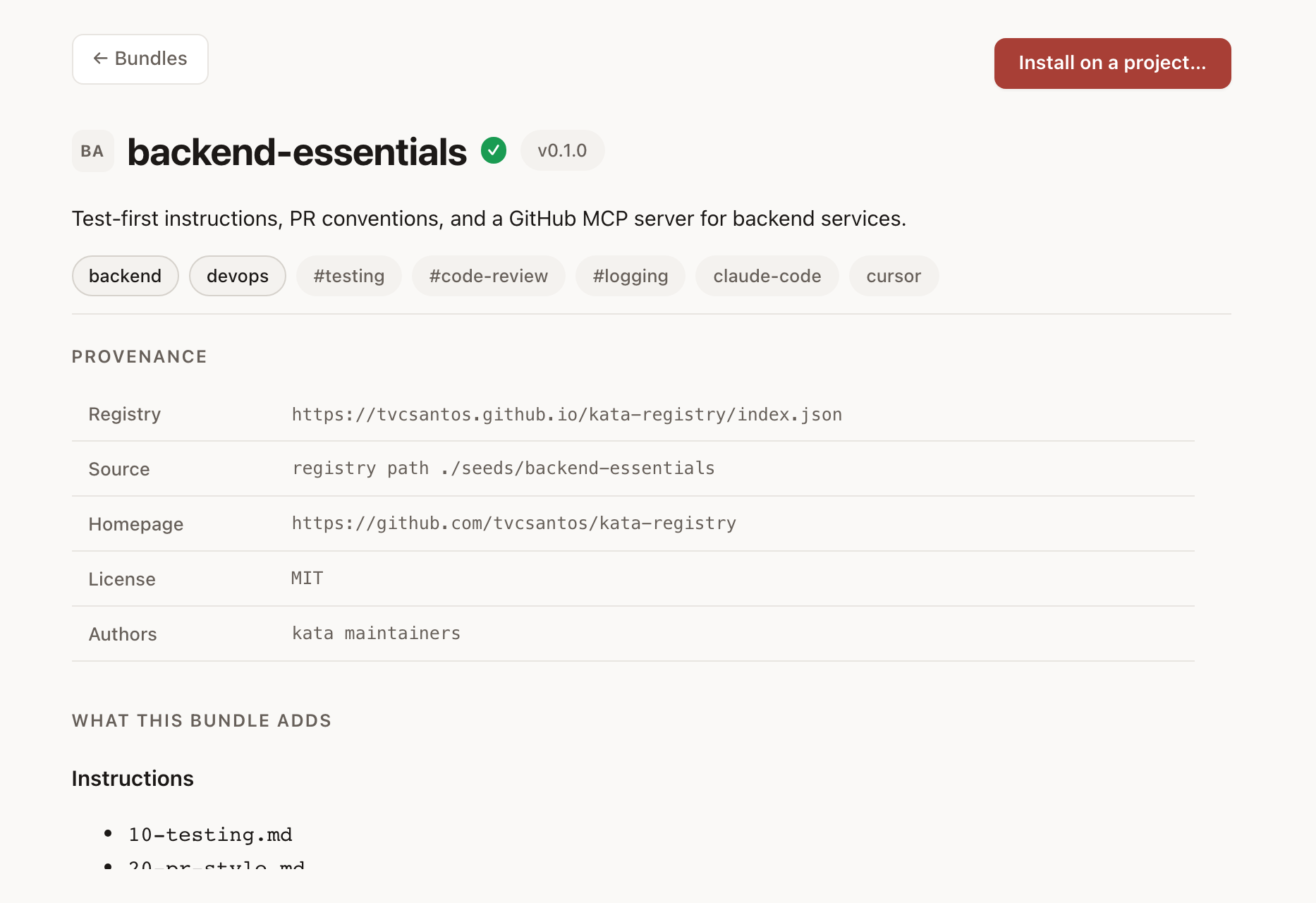
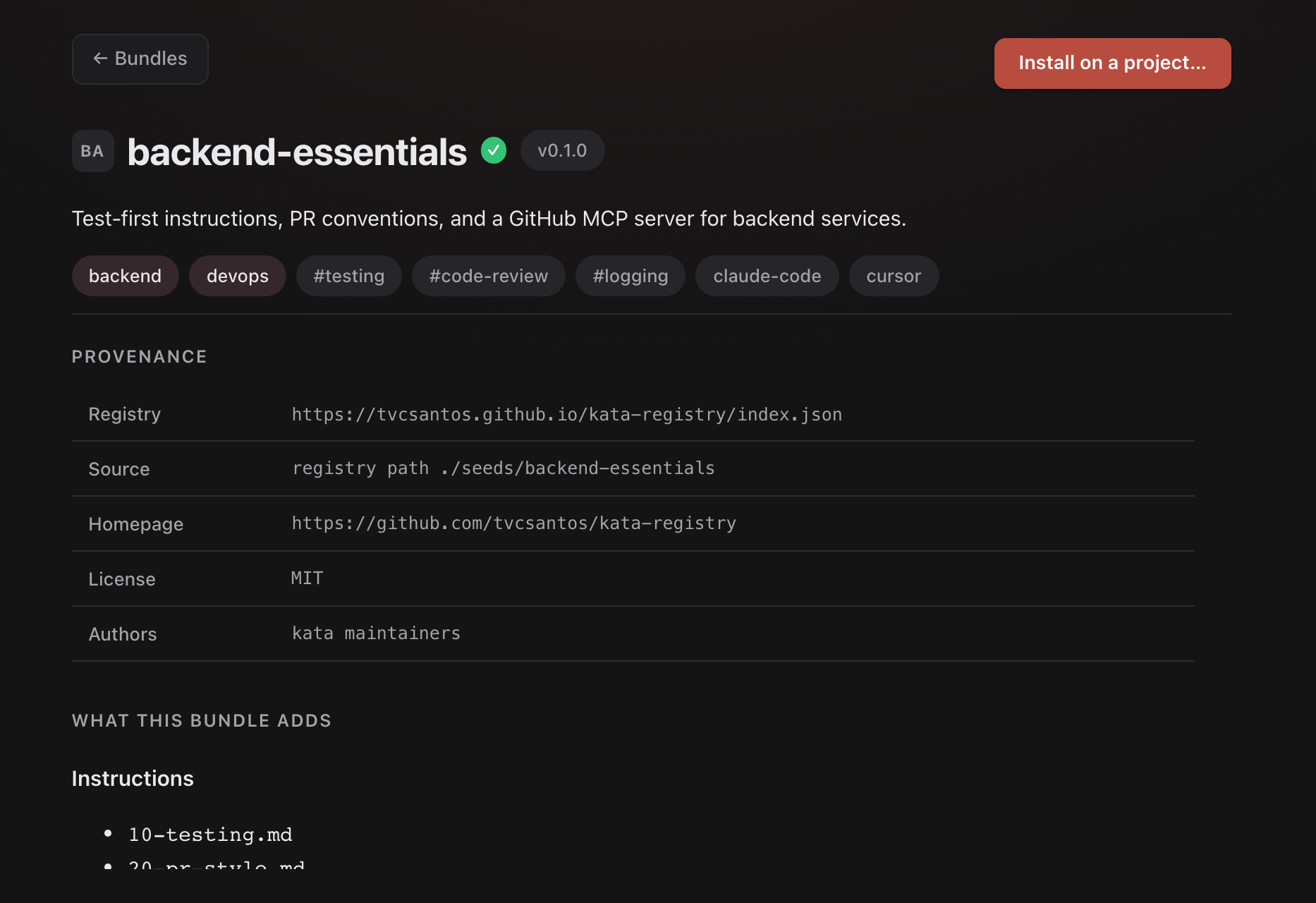
Clicking a card opens the trust-building view: provenance (which registry listed it, the source repository and pinned commit, license, authors) and a complete inventory of what the bundle adds - instructions, prompts, agents, skills, and MCP servers with the exact commands they run and the environment variables they need. Nothing is hidden: what you review here is what gets installed.
Installing into a project
Installs are plan-before-apply, always. Clicking Install on a project... opens a self-contained flow:
1. Pick the target project - recent projects are offered, or open any folder. If the folder is not a kata project yet, the app offers to run kata init inline.
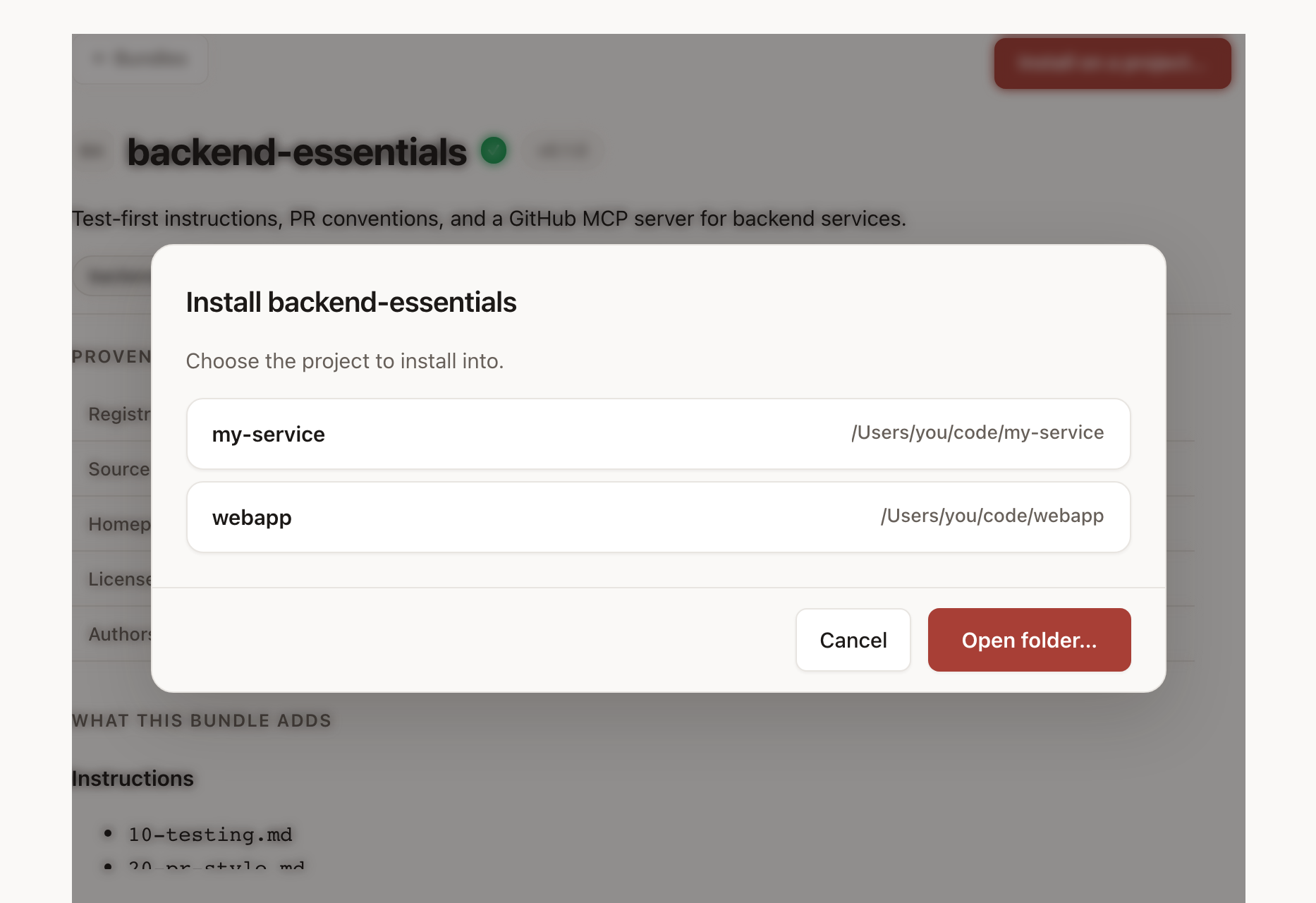
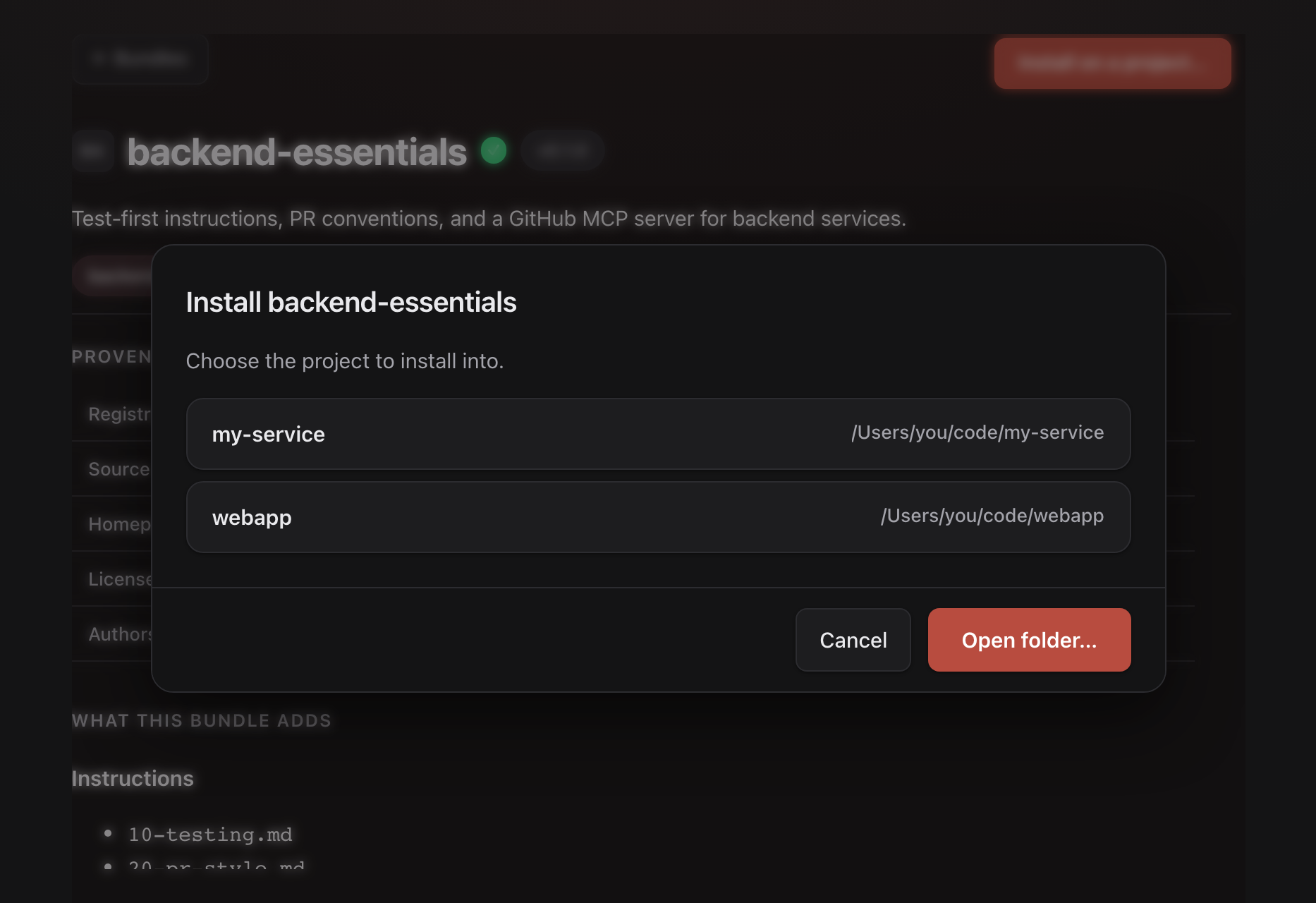
2. Review the diff - the bundle is fetched into a staging area outside your repository and a plan is computed for every enabled target. Each file shows its exact hunks; the managed region only badge means only the kata-managed block changes and your hand edits are untouched.
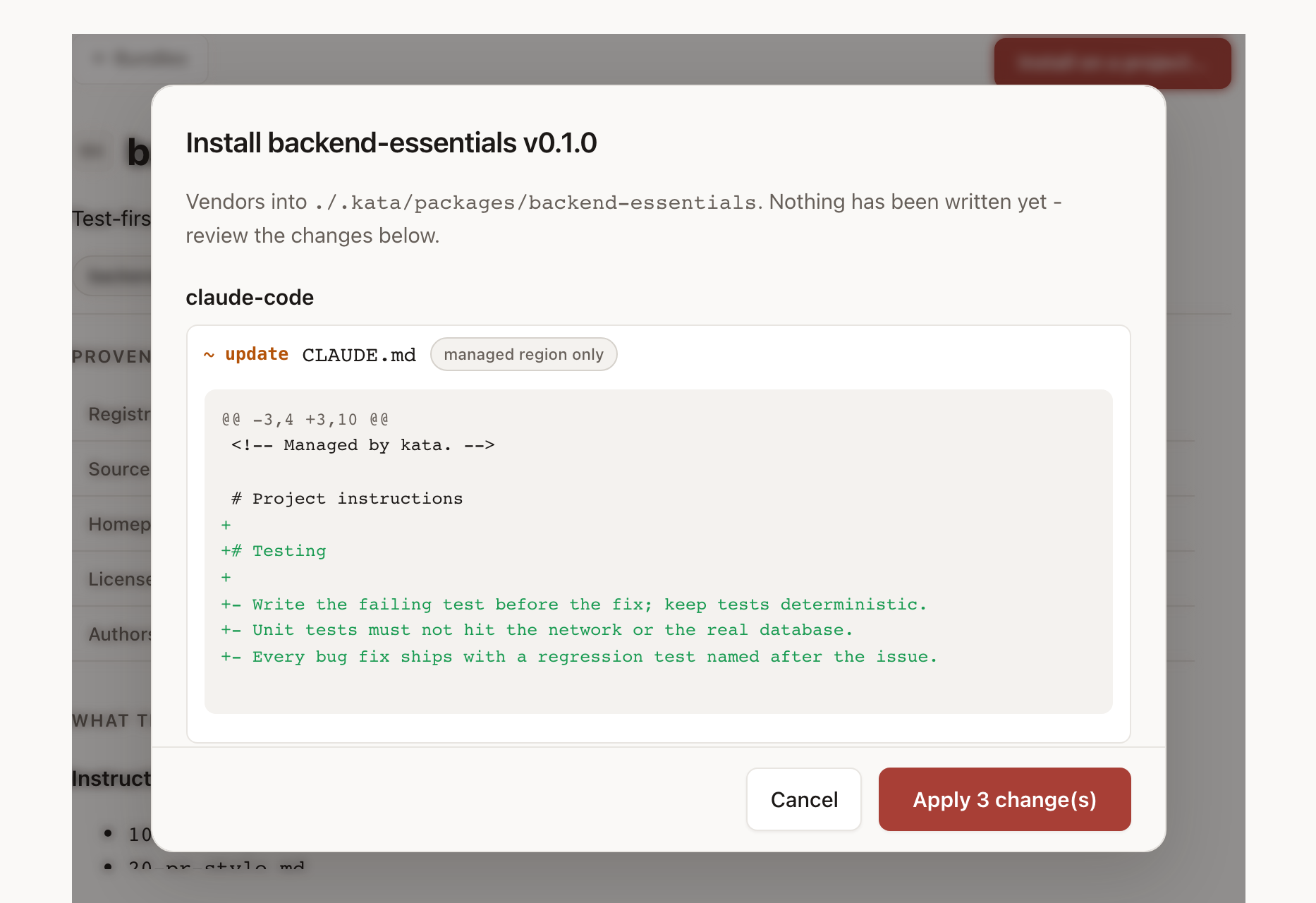
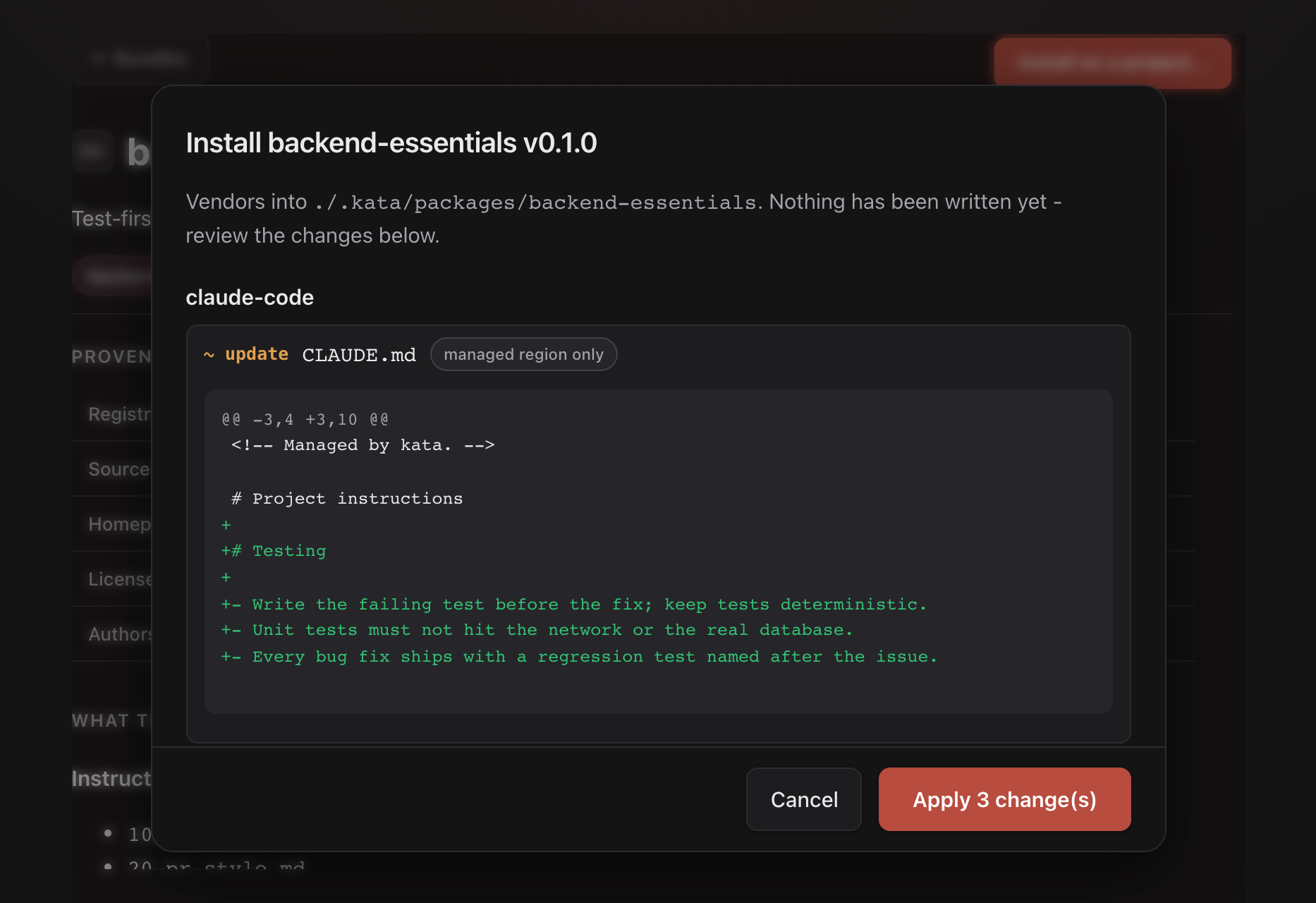
3. Apply - or walk away. Cancel discards the staging area and leaves your repository byte-identical. Apply vendors the bundle into .kata/packages/, wires it into compose, and writes the native files - then reminds you of any environment variables (like GITHUB_TOKEN) the bundle needs before use.
Managing registries
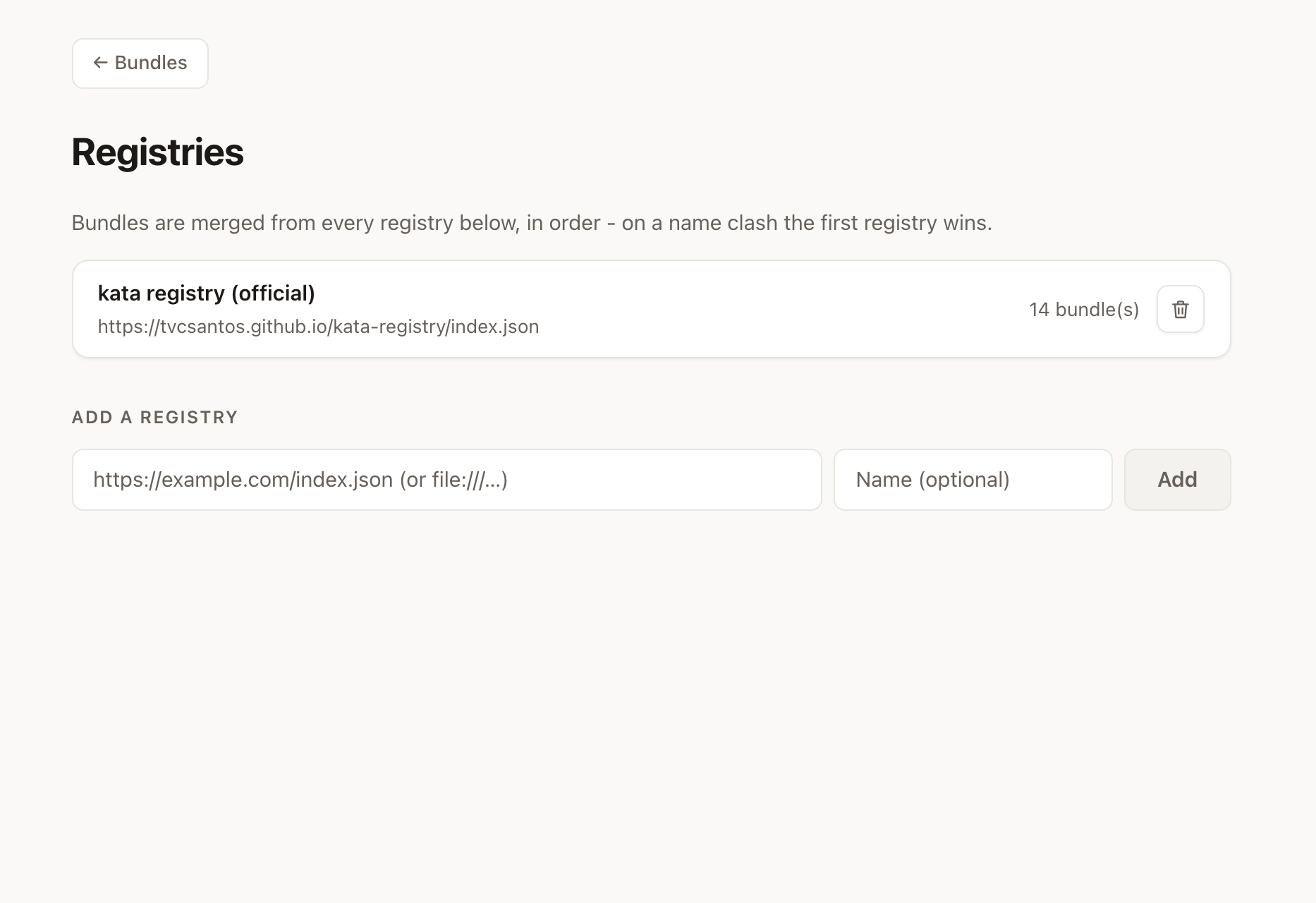
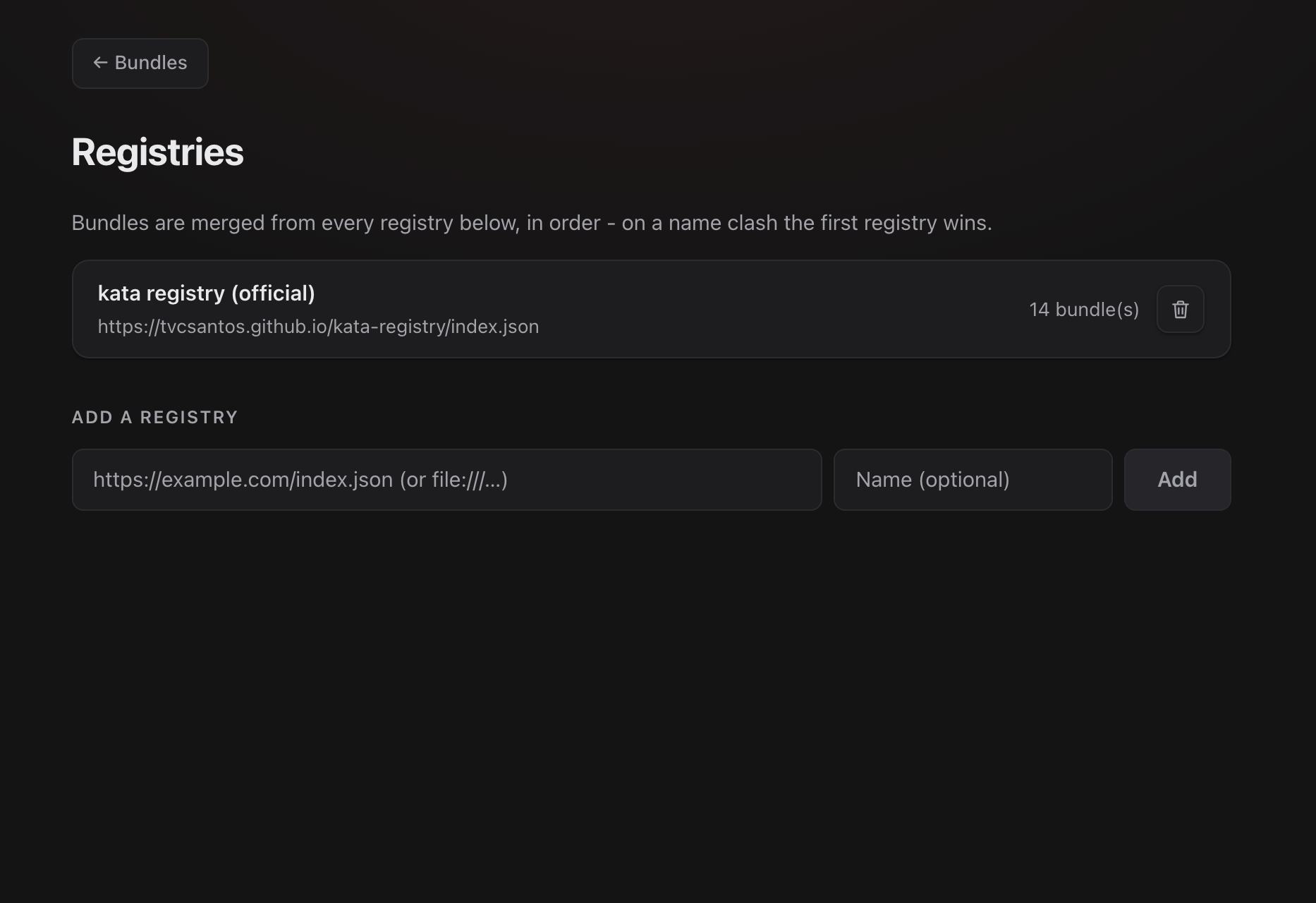
Add as many registries as you like - a company-internal one next to the official one, or a local file:// checkout while developing bundles. Bundles are merged in order (first registry wins on a name clash), each registry caches independently, and one being unreachable never takes the others down.
About & appearance
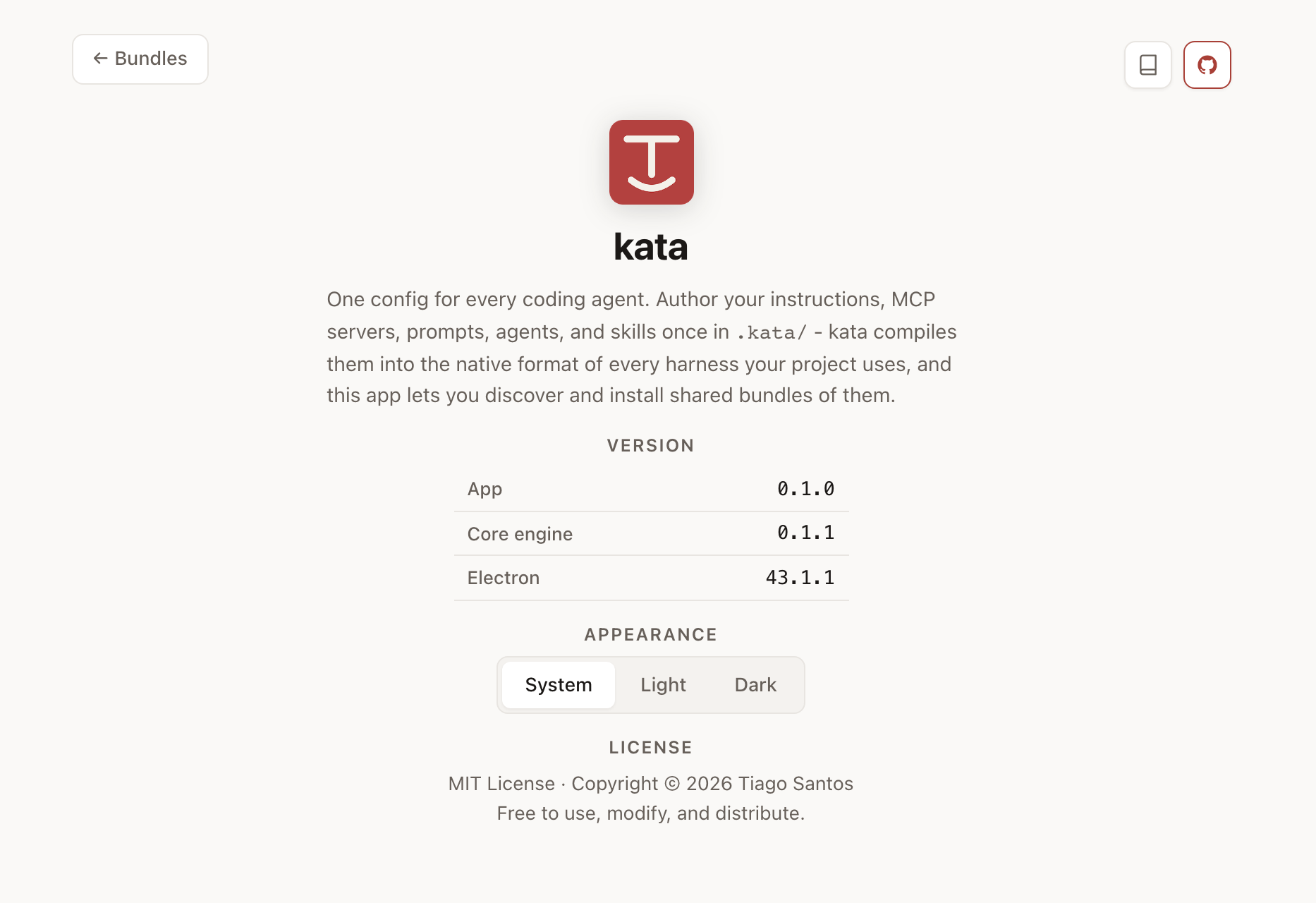
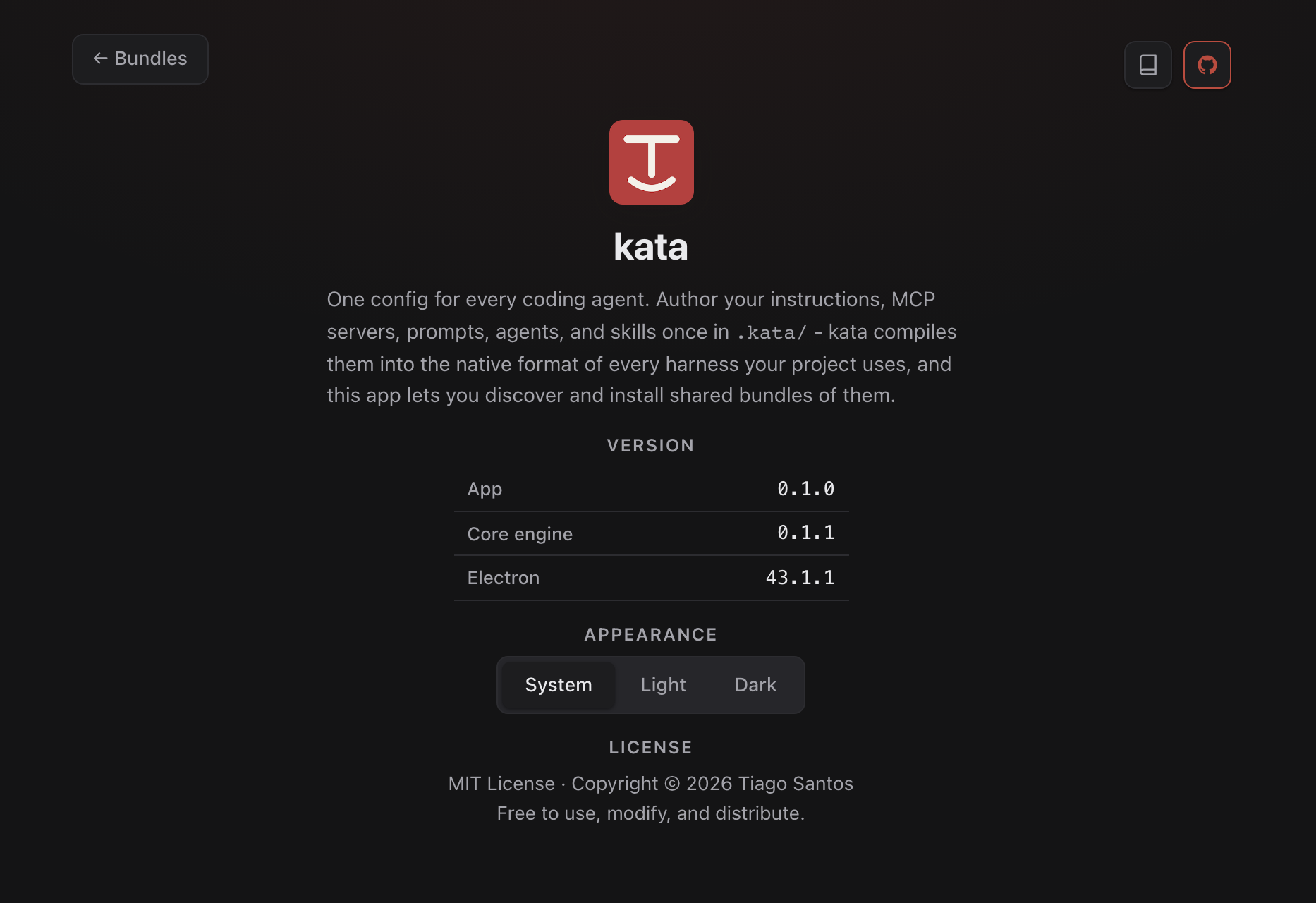
The About screen shows the app, embedded engine, and Electron versions (handy when reporting issues), links to this documentation and the GitHub repository, and an appearance switch: follow the system theme, or force light or dark.
Security posture
The app renders third-party content (bundle READMEs and instruction files), so the interface runs fully sandboxed: no Node integration, no direct network or filesystem access, a strict content-security policy, and every operation crossing a typed bridge into the main process. MCP server commands are always shown verbatim before install, and secrets never pass through the app - it only ever displays environment variable names.