Get Started
What is RetroSync?
RetroSync is a desktop app for managing retro game ROM libraries. It brings together game discovery, ROM sourcing, and library organization into a single tool — replacing the patchwork of manual steps most retro gamers deal with today.
Key Features
- IGDB Integration — Search and browse games with full metadata, cover art, and platform info from IGDB
- Addon System — Extensible plugin architecture for ROM and BIOS sources. Community-built addons handle where files come from — no hardcoded sources
- Import Manager — Queued imports with progress tracking, pause/resume, and concurrent transfers
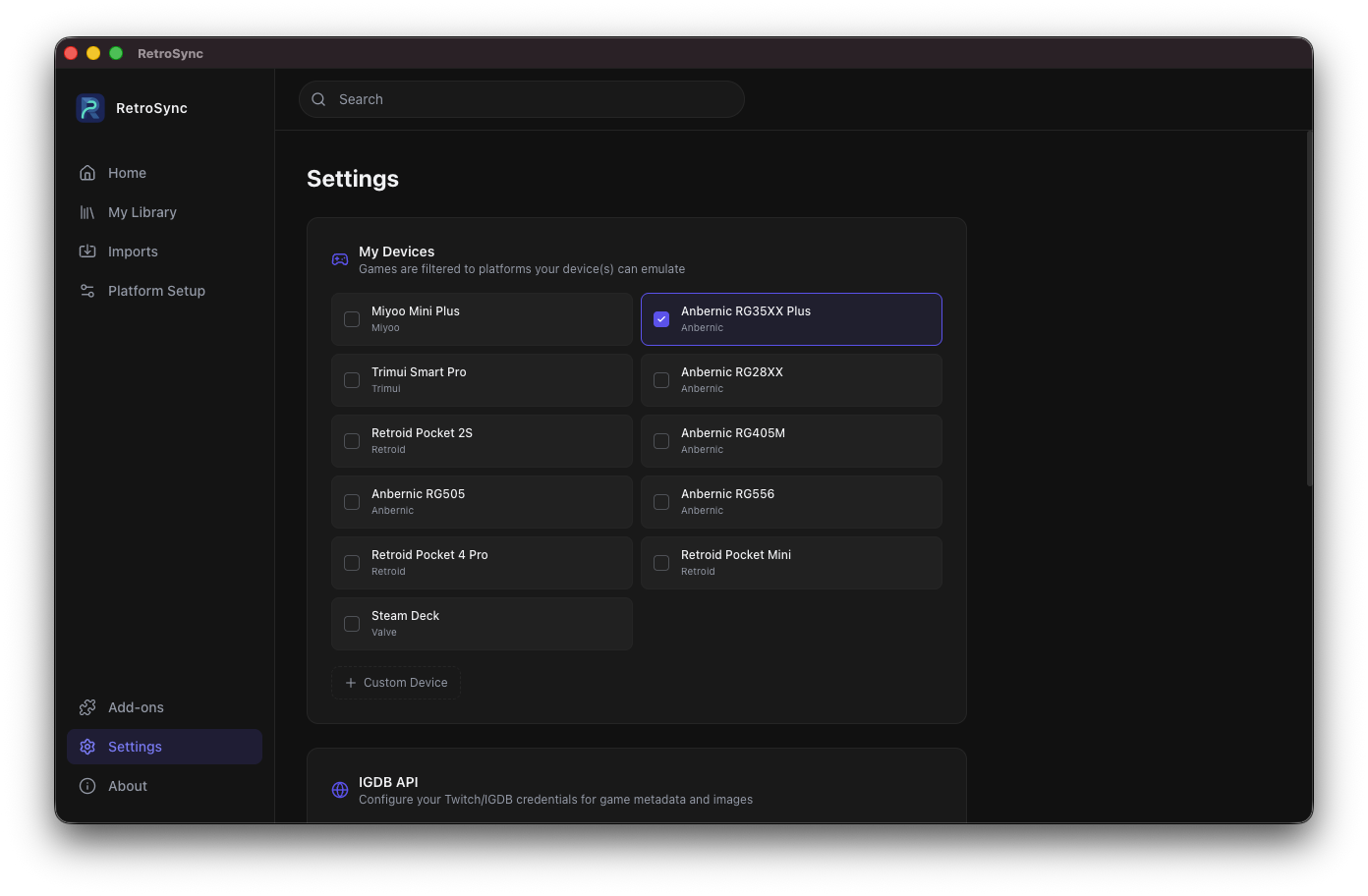
- Device Profiles — Pre-configured profiles for popular handhelds (Miyoo Mini Plus, Anbernic RG35XX, Steam Deck, and more). Pick your devices and only see what actually runs on your hardware
- Library Management — Organize ROMs by platform with automatic file placement
- BIOS Management — Discover and install firmware files for each platform
Showcase
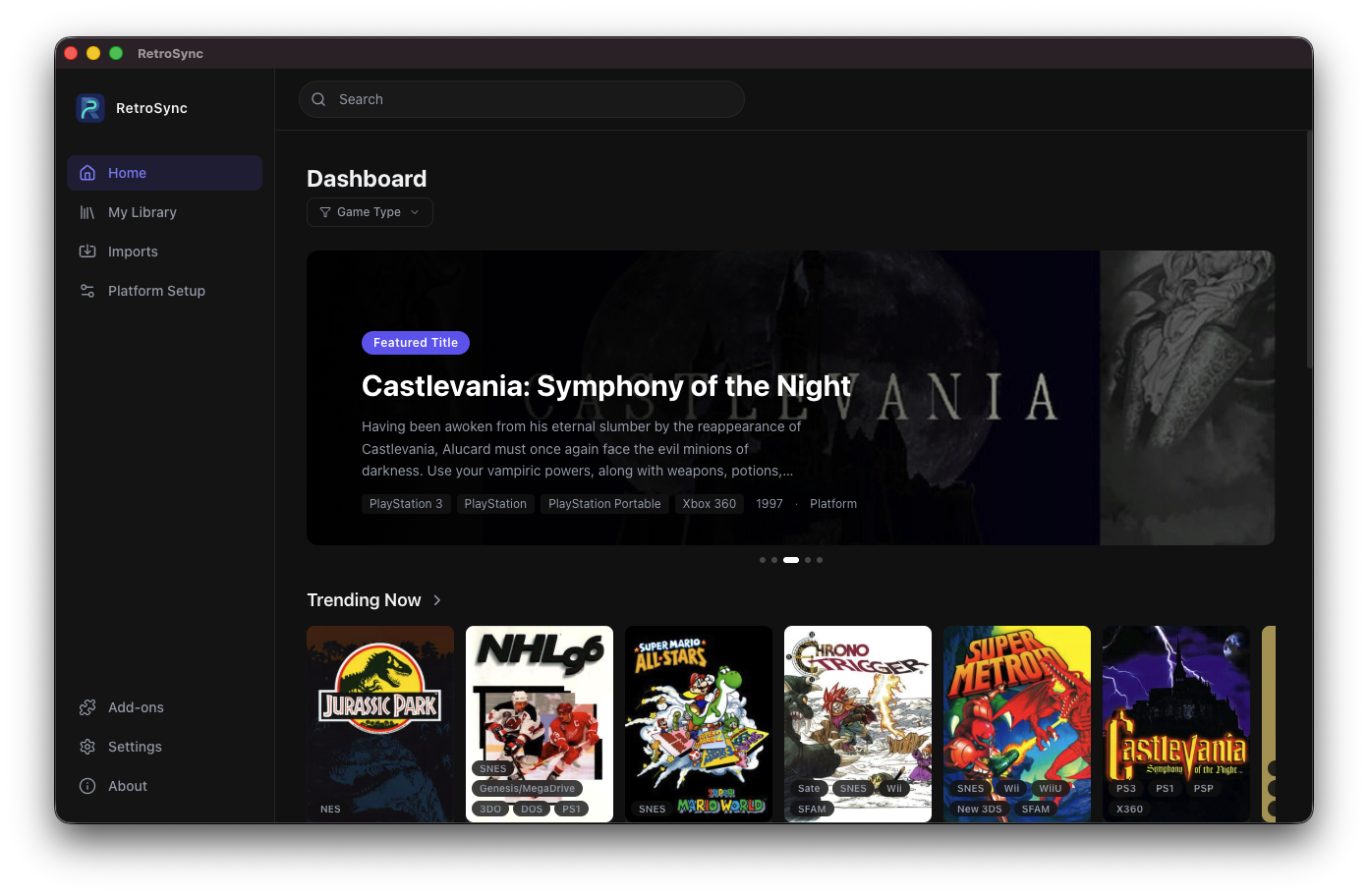
Home Page
Browse and search games powered by IGDB. Each result shows cover art, platform compatibility, and metadata at a glance.
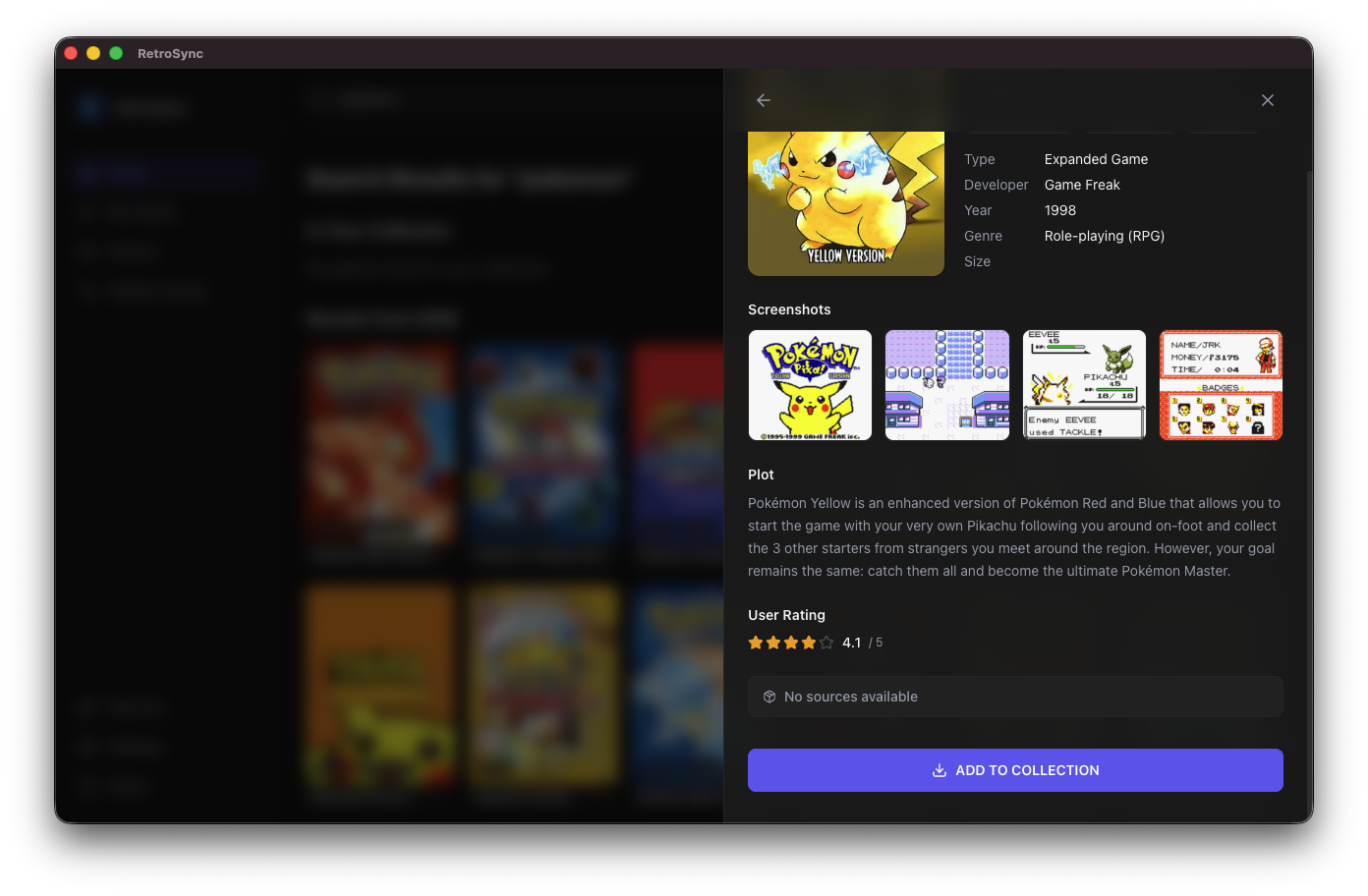
Game Details
View detailed game information, discover ROM sources from installed addons, and start imports directly from the detail panel.
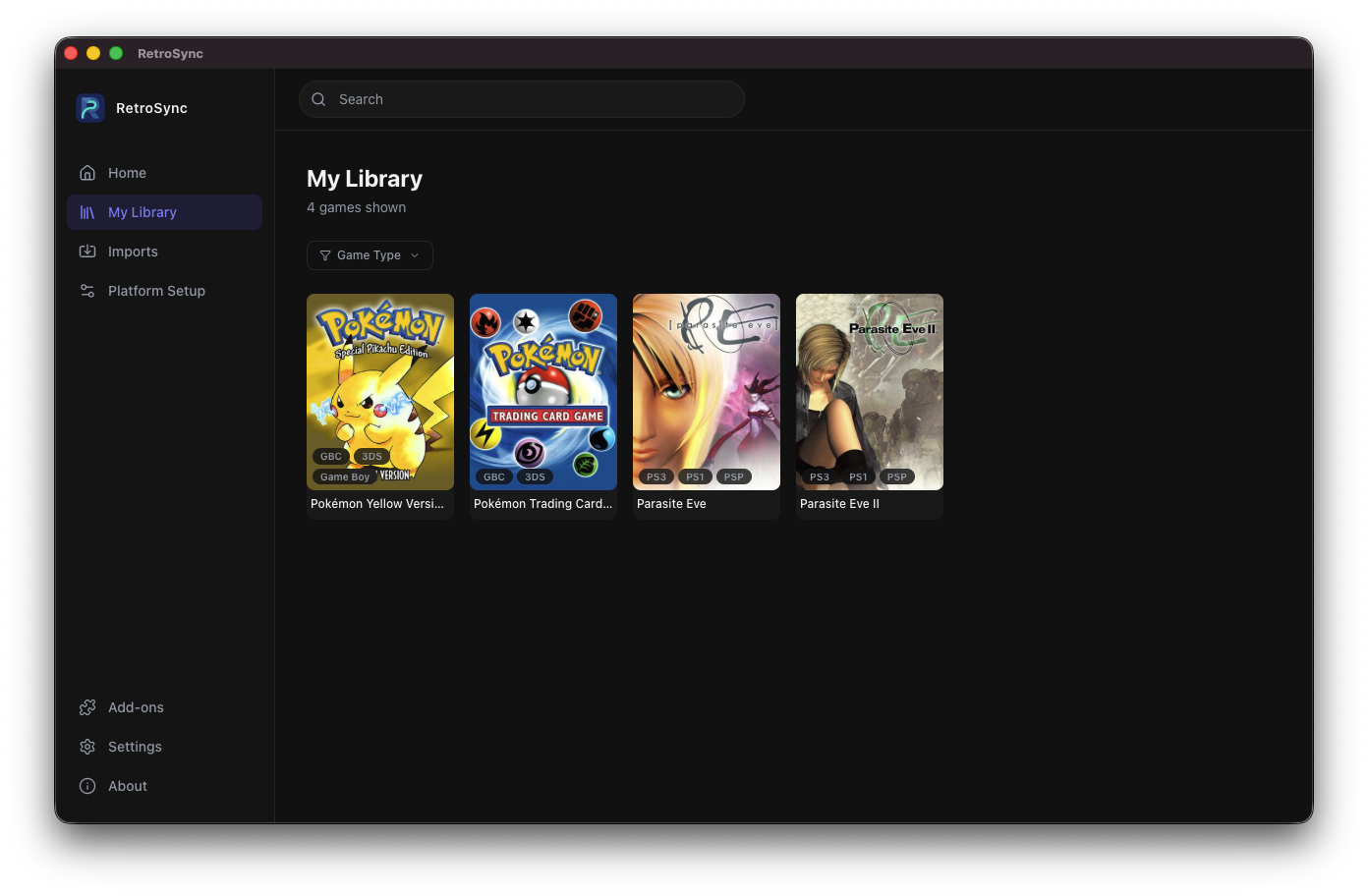
Library
Your imported ROMs organized by platform. Track what you have, open file locations, and manage your collection.
Settings
Configure your devices, manage addons, set library paths, and customize the app to your workflow.
Download
IMPORTANT
For macOS users, please read the installation instructions below to avoid Gatekeeper issues after downloading.
Installing on macOS
DMG
After downloading and installing the DMG, macOS Gatekeeper may show a "RetroSync is damaged and can't be opened" error because the app is not yet notarized with Apple. To fix this, open Terminal and run:
xattr -cr /Applications/RetroSync.appThen open the app normally. You only need to do this once.
Homebrew
Alternatively, you can install RetroSync via Homebrew which handles the Gatekeeper issue automatically:
brew tap tvcsantos/retrosync
brew install --cask retrosync
System Requirements
- macOS 12+ (Monterey or later)
- Windows 10 or later
- Linux — most modern distributions (Ubuntu 20.04+, Fedora 36+, etc.)
Next Steps
- Architecture — Understand the tech stack and design decisions
- Addon Development — Build your own source addons
- Contributing — Set up a development environment and contribute